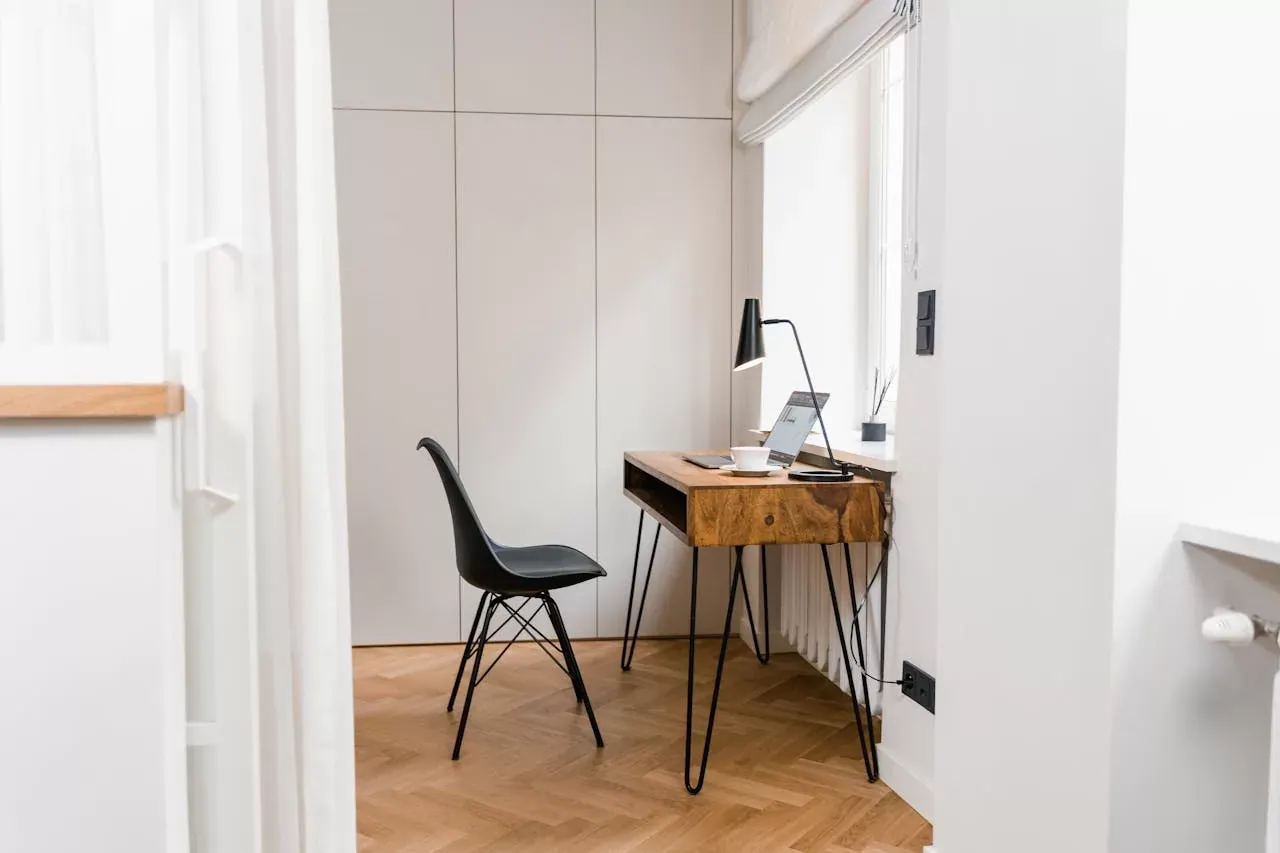
Creating a comfortable and productive home office is a much higher priority in today’s work-from-home or hybrid work era. With the right setup, you can maintain a professional environment that fosters efficiency while enjoying your home comforts at the same time. Here’s a comprehensive guide to help you design the perfect home office.
1. Choose the Right Location
Selecting the right spot for your home office is crucial. Ideally, it should be a quiet area with minimal distractions, away from high-traffic zones like the kitchen or living room. If possible, choose a room with a door that can be closed when needed to create a clear boundary between work and personal life.
2. Invest in Ergonomic Furniture
Ergonomic furniture is essential for maintaining comfort and health during long working hours. A good ergonomic chair supports your back, neck, and shoulders, reducing the risk of strain and injury. Pair it with a height-adjustable desk to ensure your workstation is at the correct level.
3. Optimise Lighting
Proper lighting is vital for a productive workspace. Natural light is ideal as it reduces eye strain and boosts mood. Position your desk near a window to take advantage of daylight. Additionally, invest in good-quality artificial lighting, including a desk lamp with adjustable brightness.
4. Organise Your Space
An organised workspace enhances productivity and reduces stress. Use storage solutions like shelves, drawers, and filing cabinets to keep your desk clutter-free. Labelled folders and boxes can help you quickly locate documents and supplies.
5. Technology
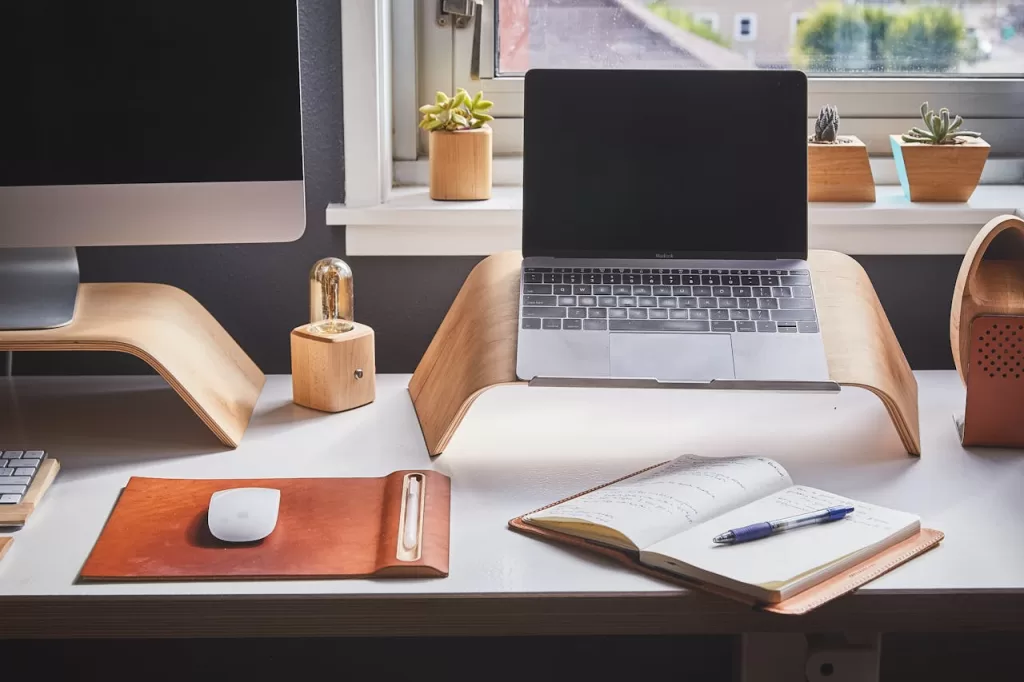
Ensure your home office is equipped with the necessary technology to support your work. This includes a reliable computer, high-speed internet connection, and appropriate software to be efficient. Consider investing in noise-cancelling headphones and a quality webcam and microphone for virtual meetings.
6. Create a Comfortable Environment
Comfort is key to maintaining focus and productivity. Keep your home office at a comfortable temperature and ensure good air quality. Adding plants can improve air quality and create a more inviting atmosphere.
7. Personalise Your Space
Personalising your home office can make it a more enjoyable place to work. Add personal touches like photos, artwork, or inspirational quotes. However, avoid excessive decorations that could become distractions.
8. Implement Effective Time Management
A well-designed home office should support effective time management. Use tools like planners, calendars, and time-tracking apps to stay organised and on schedule. Establish a routine to help you maintain a healthy work-life balance.
9. Ensure Privacy and Minimise Distractions
Maintaining privacy and minimising distractions is crucial for productivity. Use noise-reducing materials like carpets, curtains, and acoustic panels to dampen sound. Inform family members of your work hours to minimise interruptions.
10. Maintain a Clean Workspace
A clean workspace promotes efficiency and reduces stress. Regularly clean your desk, equipment, and the surrounding area. Develop a habit of tidying up at the end of each day to start fresh the next morning.
In Summary
Creating the perfect home office requires careful consideration of location, furniture, lighting, and personal preferences. By optimising these elements, you can design a workspace that enhances productivity, comfort, and overall well-being. Whether you’re a graphic designer or a software developer, these tips can help you create a home office that meets your unique needs.

Andy Willett
Founder of re-search, writing on leadership, sales and the workplace industry across Asia Pacific.