![The [RE]Search Co.](https://re-search.co/wp-content/uploads/2025/02/The-RE-Search-Co-Orange_Grey-png-350x51.avif)
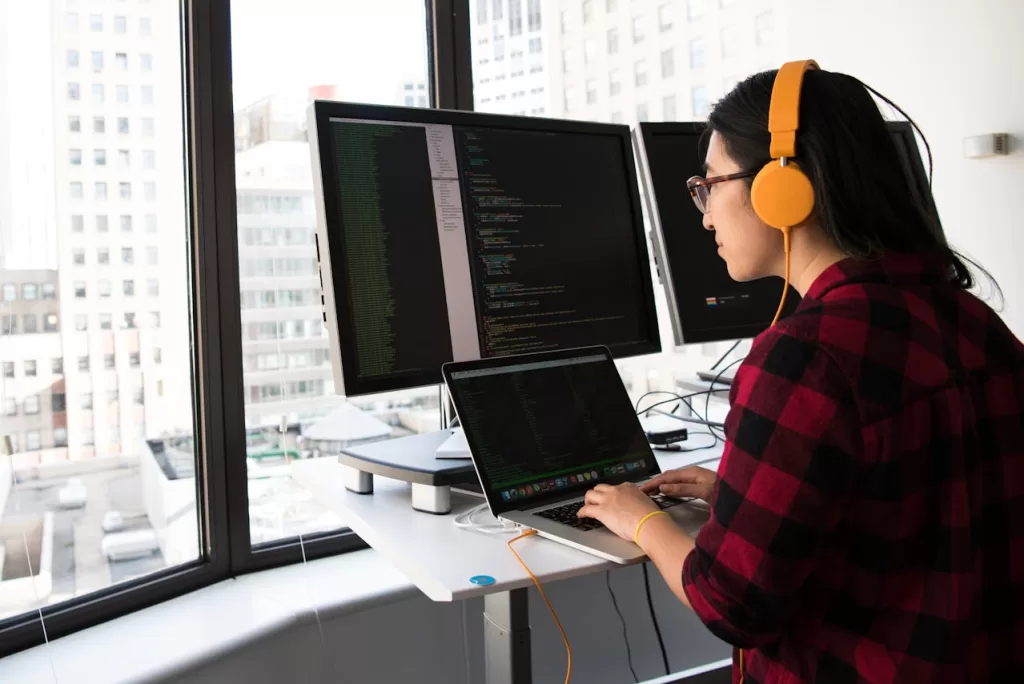
Flexibility has become a cornerstone of modern work environments and the adoption of advanced technology solutions has become imperative. We explore the key technology components designed to support flexible work environments, ensuring businesses remain competitive and employees engaged.
1. Cloud Computing
Cloud computing is the backbone of flexible work environments. By storing data and applications on remote servers, individuals and teams can access necessary resources from anywhere with an internet connection. This not only facilitates remote work but also enhances collaboration, as team members can share and edit documents in real-time.
Leading cloud service providers such as Microsoft Azure, Google Cloud, and Amazon Web Services (AWS) offer scalable solutions that cater to businesses of all sizes.
2. Virtual Private Networks (VPNs)
Security is a primary concern for businesses with remote workers. Virtual Private Networks (VPNs) provide a secure connection between remote employees and the company’s network, ensuring data privacy and protection against cyber threats. VPNs encrypt data transmitted over the internet, making it inaccessible to hackers. This technology is essential for maintaining the integrity of sensitive business information.
3. Collaboration Tools
Effective communication is crucial in flexible work environments. Collaboration tools like Slack, Microsoft Teams, and Zoom have revolutionised the way teams interact. These platforms offer features such as instant messaging, video conferencing, and file sharing, which streamline communication and foster teamwork. Integrating these tools into daily operations can significantly improve productivity and employee engagement.
4. Hot-Desking Solutions
Hot-desking is a popular trend in flexible workspaces. It allows employees to choose their workstations daily, promoting a dynamic and adaptable work environment. Technology plays a key role in facilitating hot-desking. For example, booking systems and smart office solutions enable employees to reserve desks and meeting rooms in advance, ensuring efficient use of office space. Additionally, IoT sensors can monitor workspace utilisation, providing valuable data for optimising office layouts.

5. Mobile Device Management (MDM)
As remote work becomes more prevalent, the use of mobile devices for work purposes has surged. Mobile Device Management (MDM) solutions help businesses manage and secure these devices. MDM software allows IT departments to enforce security policies, track device usage, and remotely wipe data if a device is lost or stolen. This ensures that company data remains protected, regardless of the device used.
6. Ergonomic and Smart Furniture
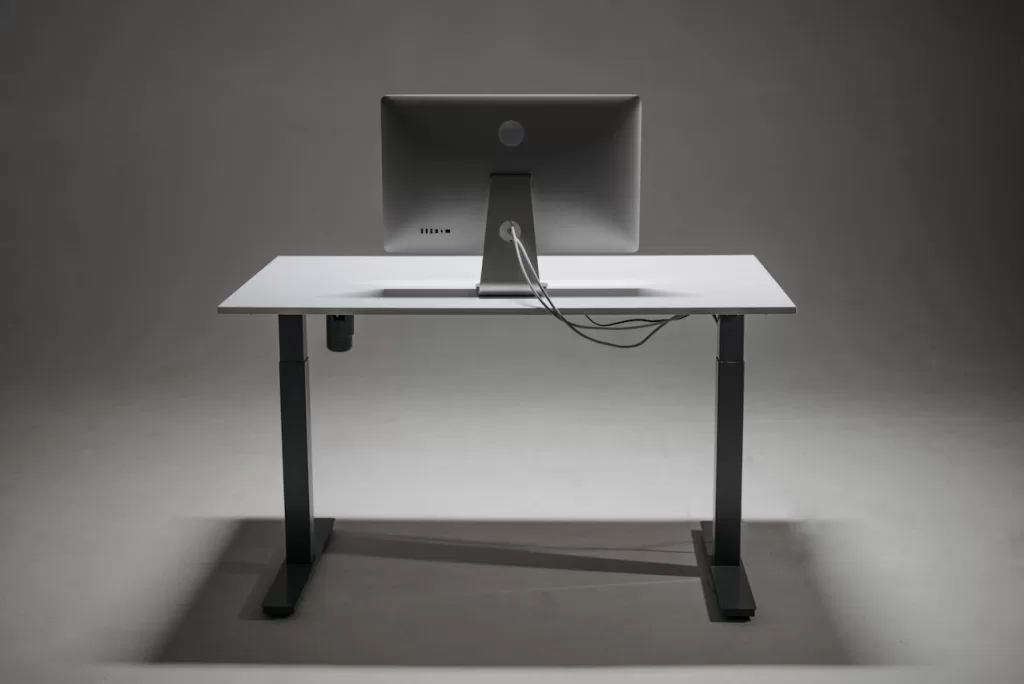
The physical workspace also plays a vital role in supporting flexible work environments. Ergonomic furniture, such as adjustable desks and chairs, promotes comfort and reduces the risk of workplace related injury. Smart furniture equipped with sensors can provide insights into usage patterns and environmental conditions. For example, smart desks can adjust their height automatically based on user preferences, while connected chairs can monitor correct usage and suggest changes or adjustments.
7. Wireless Charging Solutions
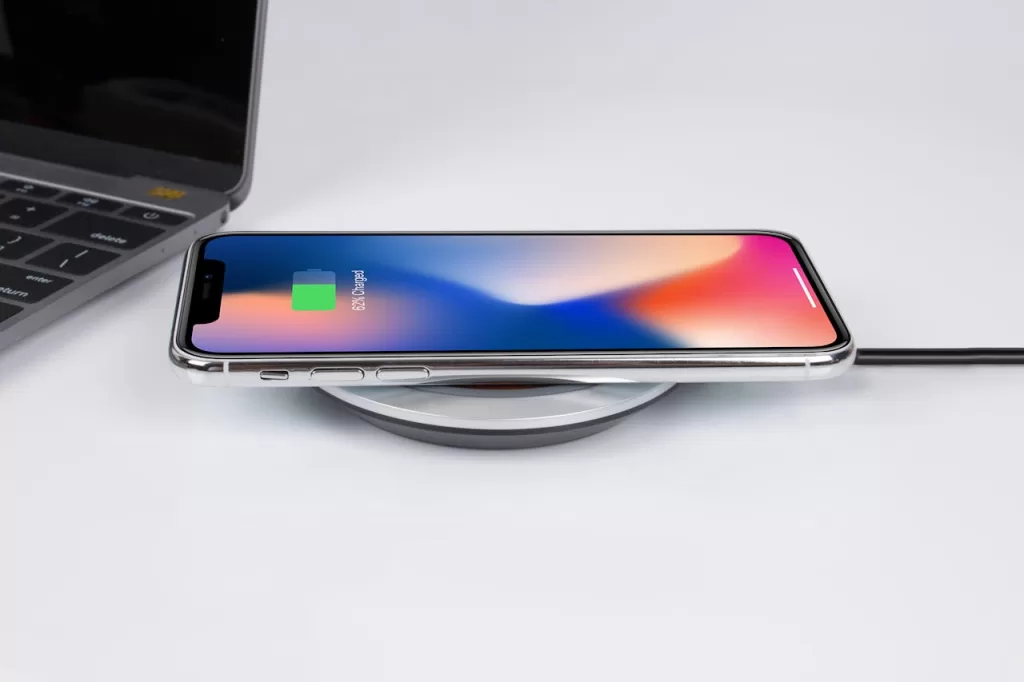
The increasing use of wireless devices in the workplace has led to the need for convenient charging solutions. Wireless charging technology allows employees to charge their devices without the hassle of cables. This not only declutters workspaces but also ensures that devices remain charged and ready for use. Implementing wireless charging stations in communal areas can enhance the overall efficiency of the office.
In Summary
Technology is the driving force behind the evolution of flexible work environments. By embracing cloud computing, VPNs, collaboration tools, hot-desking solutions, MDM, ergonomic furniture, and wireless charging, businesses can create dynamic and adaptable workspaces that meets the needs of today’s flexible work demands.