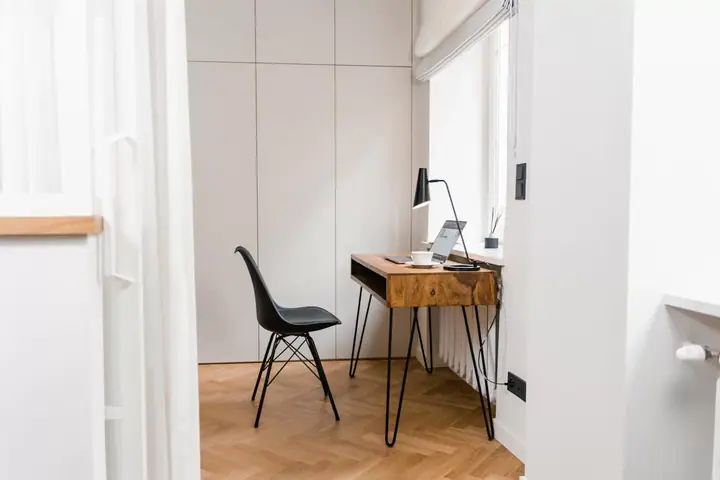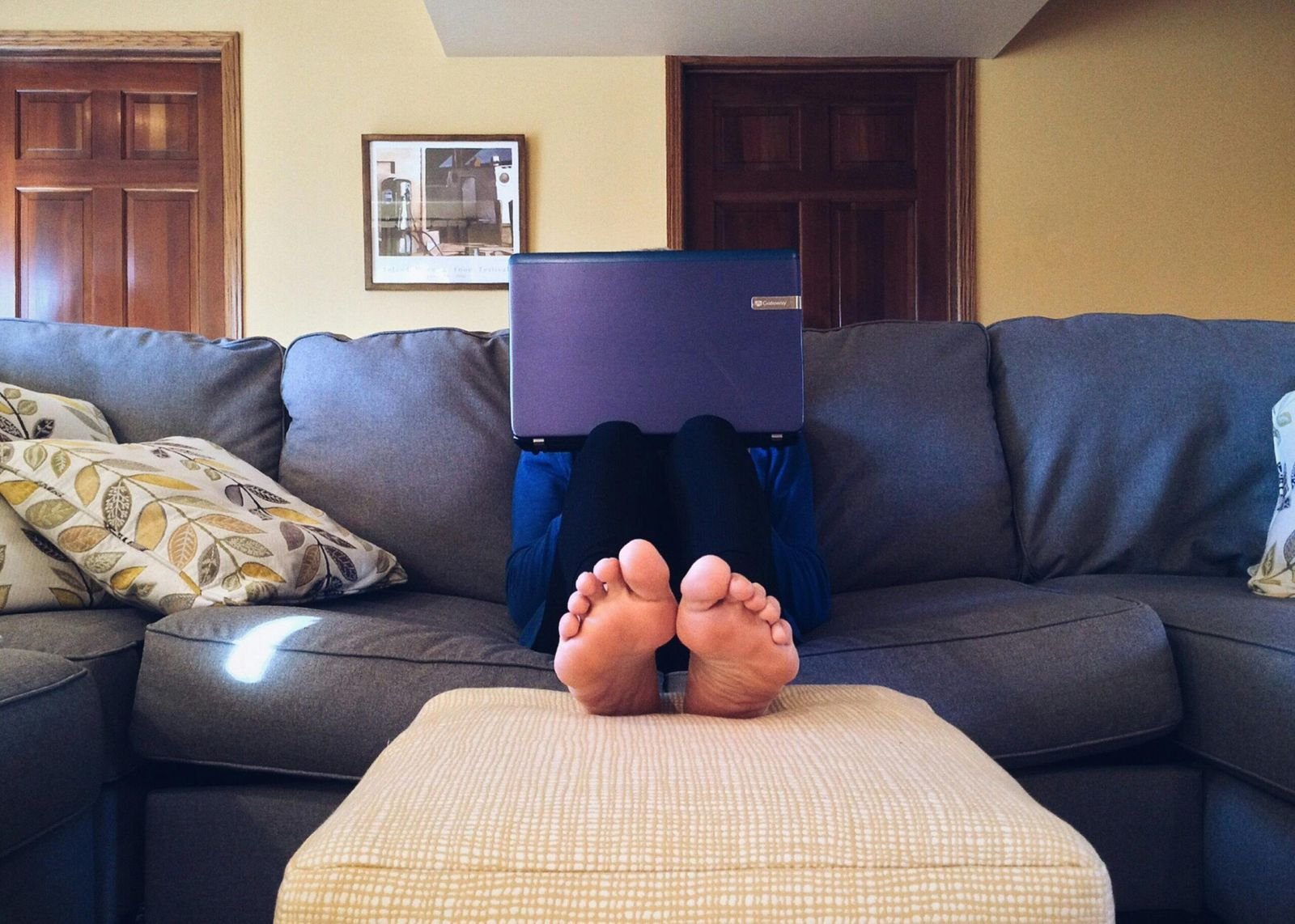
With rapid advancements in technology and changes in work culture, more and more individuals have been given the choice to work from the comfort of their own homes. While the idea of working in pyjamas and avoiding the morning commute sounds appealing, there’s a crucial aspect that often gets overlooked: ergonomic design in home offices.
Ergonomics is the science of designing the workplace to fit the worker, rather than forcing the worker to adapt to the workplace. Proper ergonomic setup is essential for maintaining comfort, productivity, and overall well-being, whether you’re working in a traditional office or from home. Unfortunately, many home office setups lack the attention to ergonomic detail that is necessary for long-term health and productivity.
Here we delve into the importance of ergonomics in the home office and provide practical tips to help you avoid ergonomic problems and create a workspace that promotes health and productivity.
The Importance of Ergonomics in the Home Office
Ergonomic problems can arise from prolonged periods of sitting or repetitive motions, leading to discomfort, pain, and even long-term health issues such as musculoskeletal disorders. When you’re working from home, you have the opportunity to design your workspace to suit your needs, but this also means you’re responsible for ensuring it’s ergonomically sound.
Here are some key reasons why ergonomic design is crucial in the home office:
- Prevents Musculoskeletal Disorders: Poor ergonomics can lead to conditions like carpal tunnel syndrome, neck strain, and back pain. By optimizing your workspace ergonomically, you can reduce the risk of developing these painful disorders.
- Enhances Productivity: A comfortable and well-designed workspace can boost productivity by reducing discomfort and fatigue, allowing you to focus more effectively on your tasks.
- Improves Posture: Proper ergonomics encourages good posture, which is essential for spinal health and overall well-being. By maintaining correct posture, you can prevent strain on your muscles and joints.
- Supports Long-Term Health: Investing in ergonomic furniture and accessories for your home office is an investment in your long-term health and well-being. By prioritizing ergonomics, you can reduce the risk of developing chronic health issues associated with prolonged sitting and poor posture.
Practical Tips to Avoid Ergonomic Problems
Now that we understand the importance of ergonomics in the home office, let’s explore some practical tips to help you set up a workspace that promotes comfort, health, and productivity:
1. Choose the Right Chair
Invest in a high-quality ergonomic chair that provides adequate lumbar support and allows for adjustments in height, armrests, and recline angle. Your feet should be flat on the floor or supported by a footrest, and your thighs should be parallel to the ground.
2. Set Up Your Desk Properly
Ensure that your desk is at the correct height to promote good posture. Your elbows should be at a 90-degree angle when typing, and your wrists should be straight. Use a keyboard tray or adjustable desk if necessary to achieve the optimal typing position.
3. Position Your Monitor Correctly
Position your monitor directly in front of you at arm’s length, with the top of the screen at or slightly below eye level. This helps reduce neck strain and eye fatigue. Use a monitor stand or adjustable arm to achieve the desired height and angle.
4. Take Regular Breaks
Avoid sitting for prolonged periods by incorporating regular breaks into your workday. Stand up, stretch, and move around every hour to prevent stiffness and improve circulation. Consider using a standing desk or a desk converter to alternate between sitting and standing throughout the day.
5. Organize Your Workspace
Keep your workspace tidy and organized to minimize clutter and distractions. Use cable management solutions to keep cords out of the way, and invest in ergonomic accessories such as a document holder and ergonomic mouse and keyboard to promote comfort and efficiency.
6. Consider Ergonomic Accessories
In addition to an ergonomic chair and desk, consider investing in accessories such as an ergonomic mouse, keyboard, and wrist rest to support proper posture and reduce strain on your hands and wrists.
7. Prioritize Lighting and Air Quality
Ensure that your home office is well-lit with natural or adjustable lighting to reduce eye strain. Position your desk near a window if possible, and use task lighting to illuminate your workspace effectively. Additionally, maintain good air quality by opening windows for ventilation and using air purifiers if necessary.
8. Pay Attention to Ergonomic Habits
Practice good ergonomic habits throughout the day, such as maintaining proper posture, avoiding excessive reaching or twisting, and taking regular breaks to stretch and rest your eyes. Listen to your body and make adjustments as needed to ensure comfort and well-being.
Creating an ergonomic home office is essential for maintaining comfort, health, and productivity while working remotely. By following the practical tips outlined above, you can avoid ergonomic problems and design a workspace that supports your physical and mental well-being. Remember to prioritize ergonomics in your home office setup, and don’t hesitate to make adjustments as needed to optimize your comfort and productivity. Your body will thank you for it in the long run.

Andy Willett
Founder of re-search, writing on leadership, sales and the workplace industry across Asia Pacific.